Turn Meeting Notes Into Tasks Within an Hour
Meeting actions vanish when they stay buried in notes. Mark them as you write, process within an hour and send a short summary to everyone.
Mohamad Mouaz
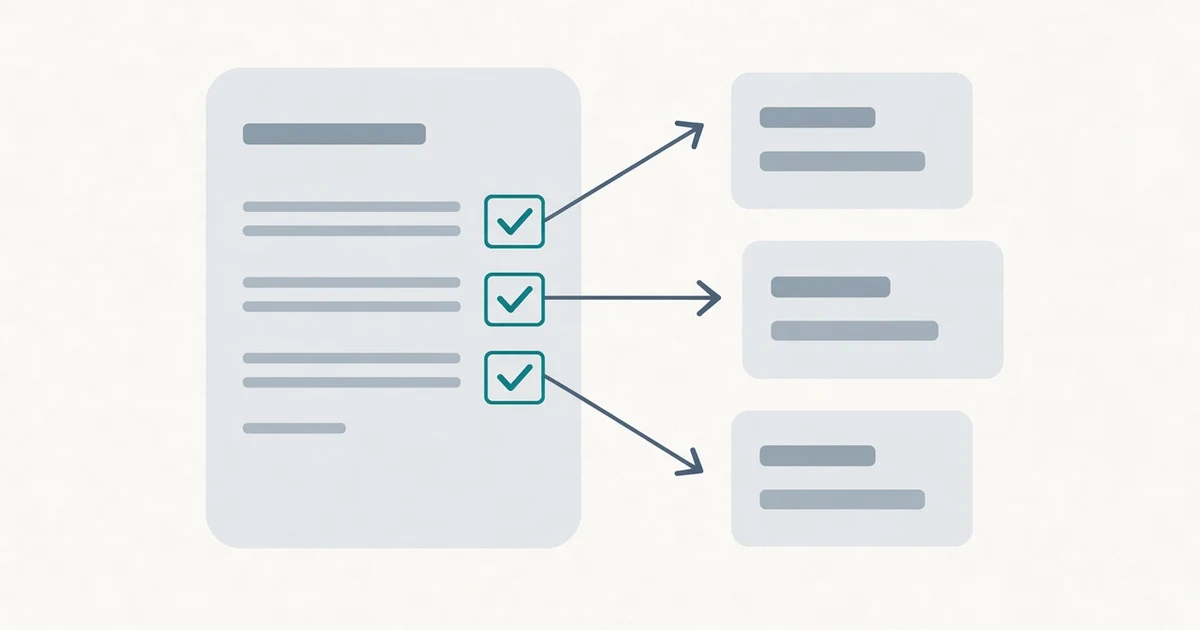
You leave a meeting with a head full of ideas, decisions and promises. Someone needs to send a file. You agreed to check a number. The team decided to move a deadline. It all feels clear.
A day later, half of it is gone. A week later, someone asks about the file you promised, and you have no idea what they mean. The problem is not the meeting. It is the gap between notes and action. Here is how to close it within an hour.
Why meeting notes do not become action
Most meeting notes are written to remember what was said, not to drive what happens next. They capture discussion, opinions and context. Actions get buried somewhere in the middle, mixed in with everything else.
When you look at those notes later, you have to read the whole thing to find what you actually need to do. Most people never do. The notes sit in a document, and the actions quietly disappear.
Mark actions while you write
The easiest fix starts during the meeting. Whenever an action is agreed, mark it clearly in your notes. I start the line with a simple marker like "ACTION" or a checkbox symbol, followed by who owns it.
"ACTION me: send updated pricing sheet to Leila." "ACTION Omar: confirm venue by Friday."
This takes no extra time, and it makes the next step much faster.
The one-hour rule
Within an hour of the meeting ending, process your notes. Not tomorrow, not at the end of the week. Within an hour, while everything is fresh.
This is the most important part. After an hour, details fade. After a day, you start reconstructing instead of remembering. A short review straight after the meeting catches nearly everything.
Turn your actions into real tasks
Go through your notes and find every action marked with your name. Move each one into your task manager as a proper task.
Rewrite each one so it is clear on its own. "Pricing" in your notes becomes "Send updated pricing sheet to Leila." Add a date if there is one. If you need help writing tasks this way, see write task names you can actually act on.
Put each task under the project it belongs to, so it does not float loose. That way, when you look at the project, you see everything related to it in one place.
Track what others promised
Actions owned by other people matter too. If Omar promised to confirm the venue and you need that before you can continue, it affects your work.
Add these to your waiting-for list, with the person, the item and the date. When the date passes, you will know to follow up. I explained how this works in detail in how closing open loops clears your mental space.
Send a short summary
If you led the meeting, or if nobody else does it, send a brief summary to everyone who attended. Keep it to the decisions and actions, not the full discussion.
"Thanks everyone. Decisions: launch moves to the 15th. Actions: I will send the pricing sheet by Wednesday. Omar will confirm the venue by Friday. Sam will update the timeline."
This takes five minutes and prevents most of the confusion that follows meetings. People know exactly what they agreed to, and nobody can be surprised later.
File the notes, keep the actions
Once actions are in your task manager and the summary is sent, file the notes somewhere you can find them later. You may need them for context. But you should not need them to know what to do. Your task list now holds that.
This separation matters. Notes are for reference. Tasks are for action. When the two live in the same document, actions get lost.
Make it automatic
The habit gets easier the more you do it. Some people block fifteen minutes after every meeting in their calendar specifically for processing notes. Others process notes before they open email again.
If you have many meetings, the time saved later is large. Fewer forgotten promises, fewer awkward follow-ups and less time searching through old notes.
It also helps you keep a realistic workload. When every action becomes a visible task, you can see exactly how much you have committed to. That makes it easier to plan realistic schedules instead of agreeing to more than you can do.
A small habit with a big payoff
In F4Goals I keep a recurring "process meeting notes" item that pops up after recurring meetings, with the actions nested right under the relevant project. But a notebook and a pen are enough to start.
Mark actions as you write. Process within an hour. Turn your actions into tasks, track what others owe you and send a short summary. Meetings will stop being places where good intentions go to disappear, and start being places where real work gets moving.
Frequently asked questions
- Why do meeting notes rarely turn into action?
- They capture discussion and context, and the actions get buried in the middle of it.
- What is the one-hour rule?
- Process your notes within an hour of the meeting, while everything is fresh, before details fade.
- How should I handle actions owned by other people?
- Put them on your waiting-for list with who owes what, especially if they block your own work.
- Should I send a summary after the meeting?
- Yes, if nobody else does. Keep it to decisions and actions, not the full discussion.
Streamline your output with
F4Goals
A high-speed organization system designed for those who value intentionality and execution. Built to keep your goals in focus and your tasks moving forward.