Plan Your Week on Paper Before You Open the App
Opening your task app first lets overdue items set your week. A ten-minute paper plan with three outcomes puts your priorities back in charge.
Mohamad Mouaz
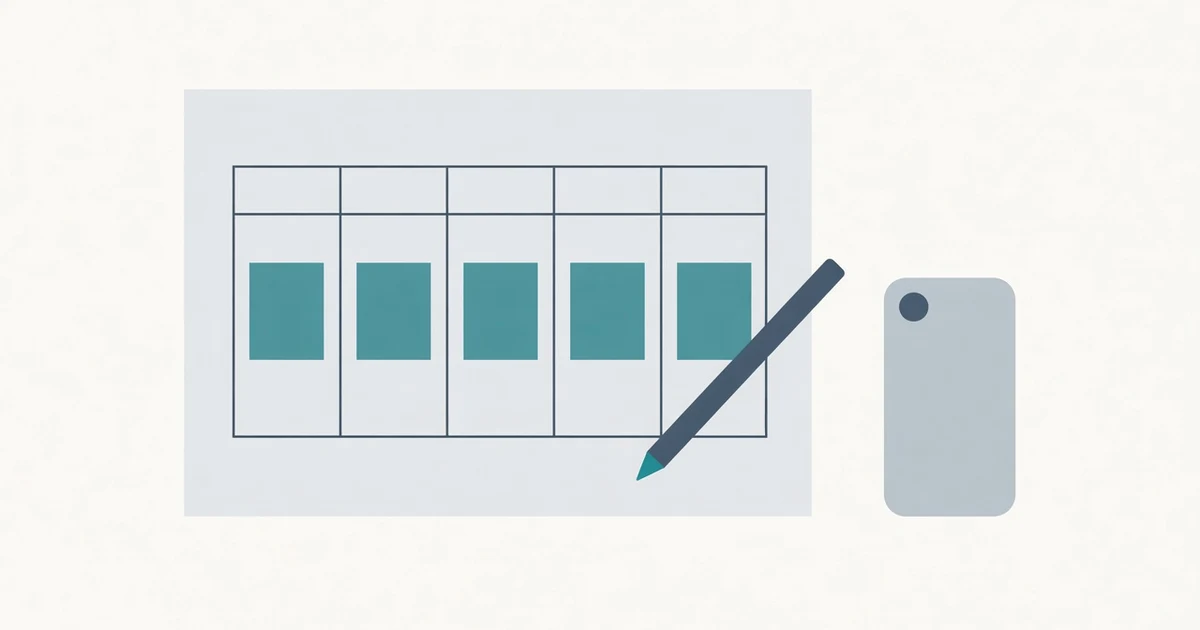
I love good task apps. I also think most people open them too early in the week.
When you start planning your week inside an app, the app shapes the plan. You see due dates, overdue items and nagging reminders, and you start reacting to them before you have decided what the week is actually for. My fix is simple: plan your week on paper first, then open the app.
Why the app is a bad first step
Task apps are excellent at holding detail. They remember every small item, every date and every project. That strength becomes a weakness at the start of a week, because detail is exactly what you do not want to see first.
When you open a long list on Monday morning, every item competes for attention. The loudest ones win, usually the overdue ones and the ones with red labels. Those are rarely the most important. They are just the most visible.
On paper, you start with nothing. A blank page forces you to decide what matters before you look at what is waiting.
The ten-minute paper plan
Here is the routine I use. It takes about ten minutes, usually on Sunday evening or first thing Monday.
Take a blank sheet and write the dates of the week across the top. Then answer three questions in writing.
First, what would make this week a good week? Write one to three outcomes. Not tasks. Outcomes. "Client proposal sent." "First draft of the landing page done." "Taxes filed."
Second, what is already fixed? Write down meetings, deadlines and personal commitments under the days they fall on. This shows you how much time you actually have, which is almost always less than you think.
Third, where will the outcomes fit? Look at the gaps between the fixed things and pencil in where each outcome will get its main block of work.
That is the plan. One page, three outcomes, a rough map of time.
Then open the app
Now open your task manager, but with a different job. You are not asking it what to do. You are checking it against your plan.
Go through your list and do three things. Make sure every outcome on your paper has a clear first task in the app. Move or reschedule anything that does not fit this week. And check for anything with a true external deadline that you forgot to include on paper.
The last step matters. Some things really cannot wait, and the app is good at catching them. The difference between a real deadline and a date you set for yourself is important here, which I explained in deadlines vs due dates.
Why three outcomes and not ten
Most people overload their week. They write down every project they care about, then feel behind by Tuesday. Three outcomes forces a choice.
If you finish all three by Thursday, wonderful, pick a fourth. But starting with three means you start the week able to win, rather than already behind. This is the same reasoning I use for quarterly goals in pick fewer goals this quarter, just at a smaller scale.
Keep the paper visible
The page is not just for planning. Keep it on your desk all week. When a new request lands, look at the page before you say yes. Does this help one of the three outcomes? If not, it can probably wait or go into your inbox for next week.
It also makes your midweek check easy. On Wednesday, look at the page. Are the outcomes on track? If one is slipping, you see it early enough to do something about it, rather than discovering it on Friday afternoon.
What about people who hate paper?
You do not need fancy notebooks. A scrap of printer paper works. If you really prefer screens, use a blank document or a simple notes app, as long as it is empty and has no dates or reminders pulling at you.
The key is the order, not the medium. Think first, in a quiet space. Check the detailed system second.
Where the app earns its place
None of this means your task manager is useless. During the week it is excellent. It holds every small step, reminds you of the next action and keeps you from losing track.
In F4Goals I keep each weekly outcome as a parent task, with the small steps nested underneath. My paper plan decides which parents are active this week, and the app handles the detail. The two work together, each doing what it does best.
If your current app feels like the problem, it is worth reading why your task manager is probably not the problem before you switch. Often, the issue is that the app is being asked to make decisions it was never designed to make.
Try it this Sunday
Ten minutes, one page, three outcomes. Write the fixed commitments down, find the gaps, then open your app and line it up with the plan.
You might find the week feels shorter, calmer and more deliberate. That is not because you have less to do. It is because you decided what the week was for before the list had a chance to decide for you.
Frequently asked questions
- Why not plan the week inside my task app?
- The app shows every due date and overdue item at once, so it shapes the plan instead of you deciding what matters.
- What does the ten-minute paper plan include?
- The week's dates, your fixed commitments, the open gaps and three outcomes that would make the week a success.
- Why only three outcomes?
- Three forces a real choice. Most people overload the week and feel behind by Tuesday.
- Where does the task app fit in?
- After the paper plan. Use it to line tasks up with your three outcomes and to track small steps during the week.
Streamline your output with
F4Goals
A high-speed organization system designed for those who value intentionality and execution. Built to keep your goals in focus and your tasks moving forward.