Automate the Boring Path First, Keep Judgment Human
A practical approach to automation for solo builders: write the process down, automate the routine route, keep people on decisions and make failures loud.
Mohamad Mouaz
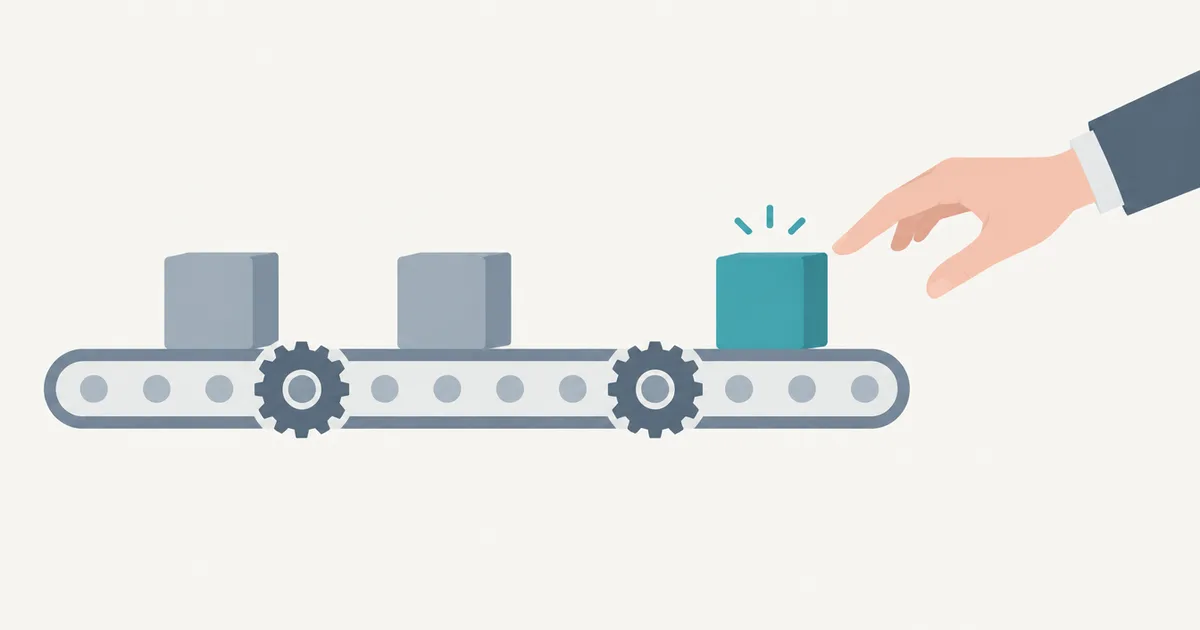
Every developer I know has the same itch. You spot a repetitive job, and within minutes you are designing a clever system to do it for you. Sometimes that pays off. Often you spend three days automating something that took five minutes a week.
I run a few automations for my own products, and I have built plenty of mistakes along the way. Here is the approach I now follow: automate the boring path first, and keep human judgment where it belongs.
Start by writing down the manual process
Before you touch any tool, do the task by hand a few times and write each step down. It sounds like a waste, but it is the most useful part. You cannot automate what you do not understand.
Writing the steps shows you what the job really involves. Some steps are mechanical, like copying data from one place to another. Others need a decision, like whether something looks right. That distinction matters more than anything else in this post.
Find the boring path
Most processes have a main route where everything goes as expected, and a set of exceptions. The boring path is the common route. It is predictable, repetitive and low risk.
That is where automation shines. If ninety percent of cases follow the same steps, automating those steps saves most of the time. The remaining ten percent of oddities can stay manual, at least until you understand them better.
Keep humans on the judgment calls
Some steps need taste, context or accountability. Approving a message to a client. Deciding whether a draft is good enough. Choosing which of several options to pursue.
These are poor candidates for full automation, especially early. A good pattern is to let the system prepare the work and let a person approve it. Automation does the repetitive part, you do the thinking, and mistakes get caught before they reach anyone. This idea runs through autopilot productivity systems, where systems handle the routine and leave the important choices to you.
Do the math before you build
Estimate how much time the task takes now and how often it happens. Then estimate how long the automation will take to build and maintain. If the saving is small and the build is big, it may never pay back.
Remember that automations need upkeep. Services change their formats, credentials expire and edge cases appear. A rule of thumb I use is to assume that maintenance will cost more than you expect. If a task is rare or short, doing it by hand is usually the better deal.
Build the smallest version first
Resist the urge to build the grand design. Automate one step, run it for a week and see what happens. Then add the next.
A small version teaches you where the real problems are. It also delivers value immediately, instead of after weeks of work. Many of my best automations started as a single step connecting two things.
Make failures loud
Automations that fail silently are dangerous. A job that stopped running a month ago, and nobody noticed, can do more damage than never having automated at all.
Add basic alerts so you know when something breaks. A message when a run fails, and a regular check that the job is still running. Also log what the system did, so you can trace problems. I use the same idea in my own publishing setup: if the daily run fails, I want to hear about it quickly.
Give the system a safe default
When something unexpected happens, the safest action is usually to stop and ask for help. Design your automation so that confusing situations pause the process instead of guessing.
For example, if incoming data looks wrong, hold it for review instead of pushing it live. A paused process is annoying. A wrong action sent to a customer is a real problem.
Review what you automated
Every few months, look at your automations. Are they still useful? Do they still do what you think? Has the underlying process changed?
Delete the ones you no longer need. Simplify the ones that grew messy. An automation you do not understand any more is a liability. Keeping the set small and clear helps you stay in control, which fits the theme of sustainable productivity.
Where it fits in a solo business
For a one-person business, automation can feel like hiring help you cannot afford. Used well, it frees time for work that needs you. Used badly, it becomes a second job.
My rule is simple. Automate repetitive, low-risk steps. Keep decisions and relationships human. Start small. Watch for failures. And always ask whether the time saved is worth the time spent.
Tools like F4Goals help me keep track of what is automated and what still needs my attention, by keeping tasks and their steps in one visible place. But the principle holds no matter what you use.
The takeaway
Write the process down, find the boring path, keep people on the judgment calls and build small. Make failures loud and review regularly. That way automation serves you, instead of the other way around.
Frequently asked questions
- What should I do before building an automation?
- Do the task by hand a few times and write down every step. You cannot automate a process you do not understand.
- What is the boring path?
- The common, predictable route a process takes when nothing unusual happens. It is the safest part to automate first.
- Which steps should stay human?
- Steps that need taste, context or accountability, like approving a message to a client or choosing between options.
- How do I keep automations from failing quietly?
- Add alerts for failures and design the system to pause and ask for help when something unexpected happens.
Streamline your output with
F4Goals
A high-speed organization system designed for those who value intentionality and execution. Built to keep your goals in focus and your tasks moving forward.